Koala Dot
XT -- A Bundle of Program Transformation Tools
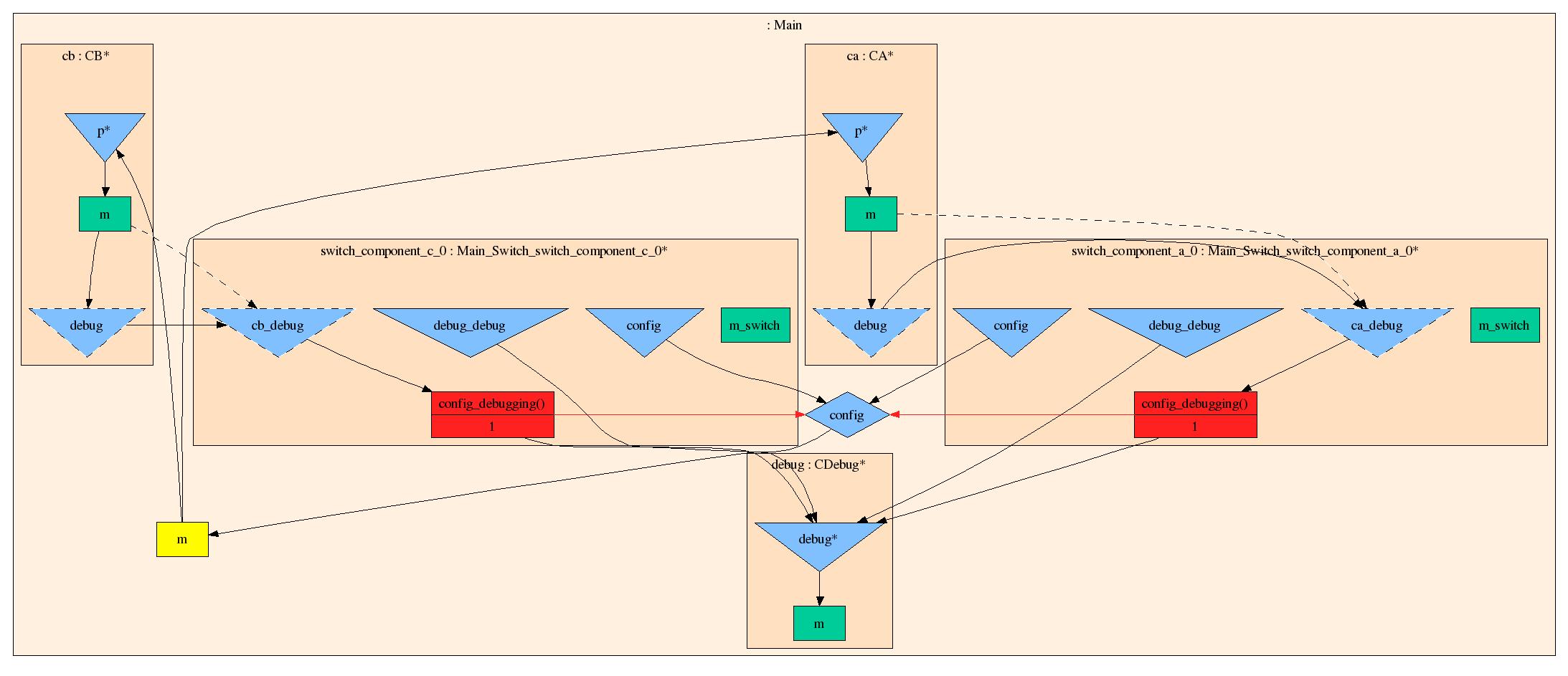
A picture of a Koala specification can be generated with the koala-dot tool.
This tool reads a Koala composition, normalizes it and transforms a grapg in DOT format.
For vizualization you need to heva ethe GraphViz package installed.
koala-dot -I <directory with Koala components> \
-i <top-level component> \
-n \
-o graph.dot
With the dot program that is part of GraphViz, you can turn this graph into different output formats. E.g.,
dot -Tps graph.dot > graph.ps
The elements in the graphs (like the one on the right) have to following meaning:
| module | present module | yellow box |
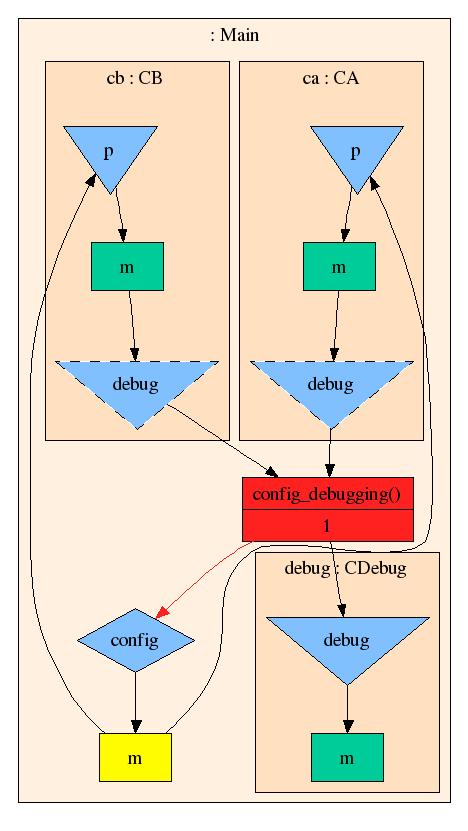
| | normal module | green box |
| component | | pink/orange box |
| | reachable component | asterix (*) attached to name |
| interface | provides interface | blue triangle |
| | | a connected provides interfaces has an asterix (*) attached to its name |
| | requires interface | blue triangle |
| | private interface | blue diamond |
| | optional interface | Dashed triangle |
| switch | | red box |
| | | outgoing red arrows correspond to interface references from switch expression. |
| | | The incomming edges correspond to the in cables, the outgoing edges correspond to out edges. |
| | | The top label indicates the switch expression, the bottom labels correspond to switch conditions. |
| cable | normal | arrow |
| | transitive | dashed arrow |
|
|
Normalization steps can be turned on by omitting the '-n' switch (see below).
--
MerijnDeJonge - 22 Dec 2004
Tools.KoalaDot moved from Tools.HowToVizualizeAKoalaSpecification on 22 Dec 2004 - 12:21 by MerijnDeJonge -
put it back